

APMS
Ambulatory care
Toza Platform
Care software for ambulatory nursing services: clients, tours, care documentation, and proof of service in one system.
Shared practice demo · EU hosted · GDPR / DSGVO · Tenant isolation
Try the shared practice instance 0176 43434467 Request an instance
A complete application for outpatient nursing services on Toza. Same security, workspace, and metadata as every future app. KIM submission through a TI gateway partner: in preparation.
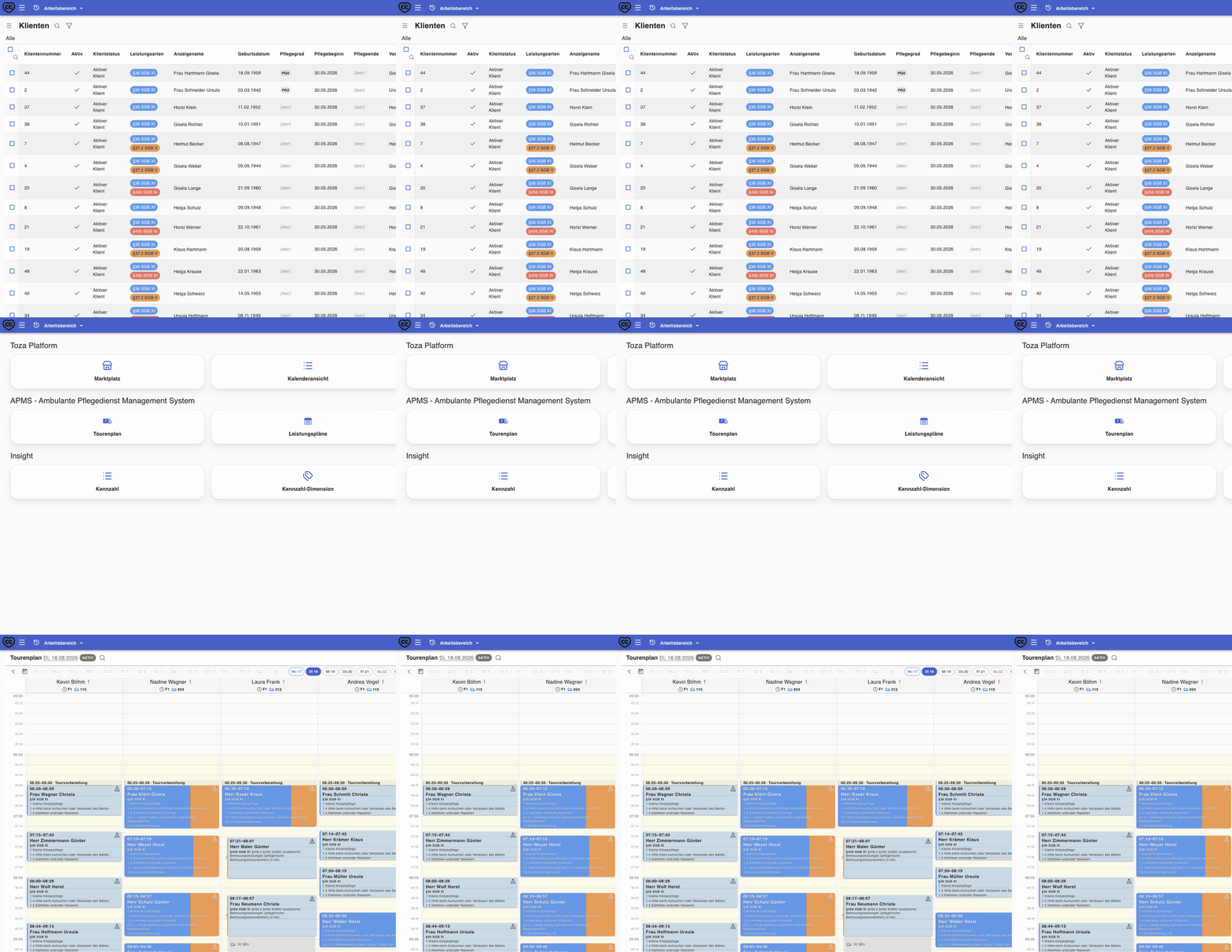
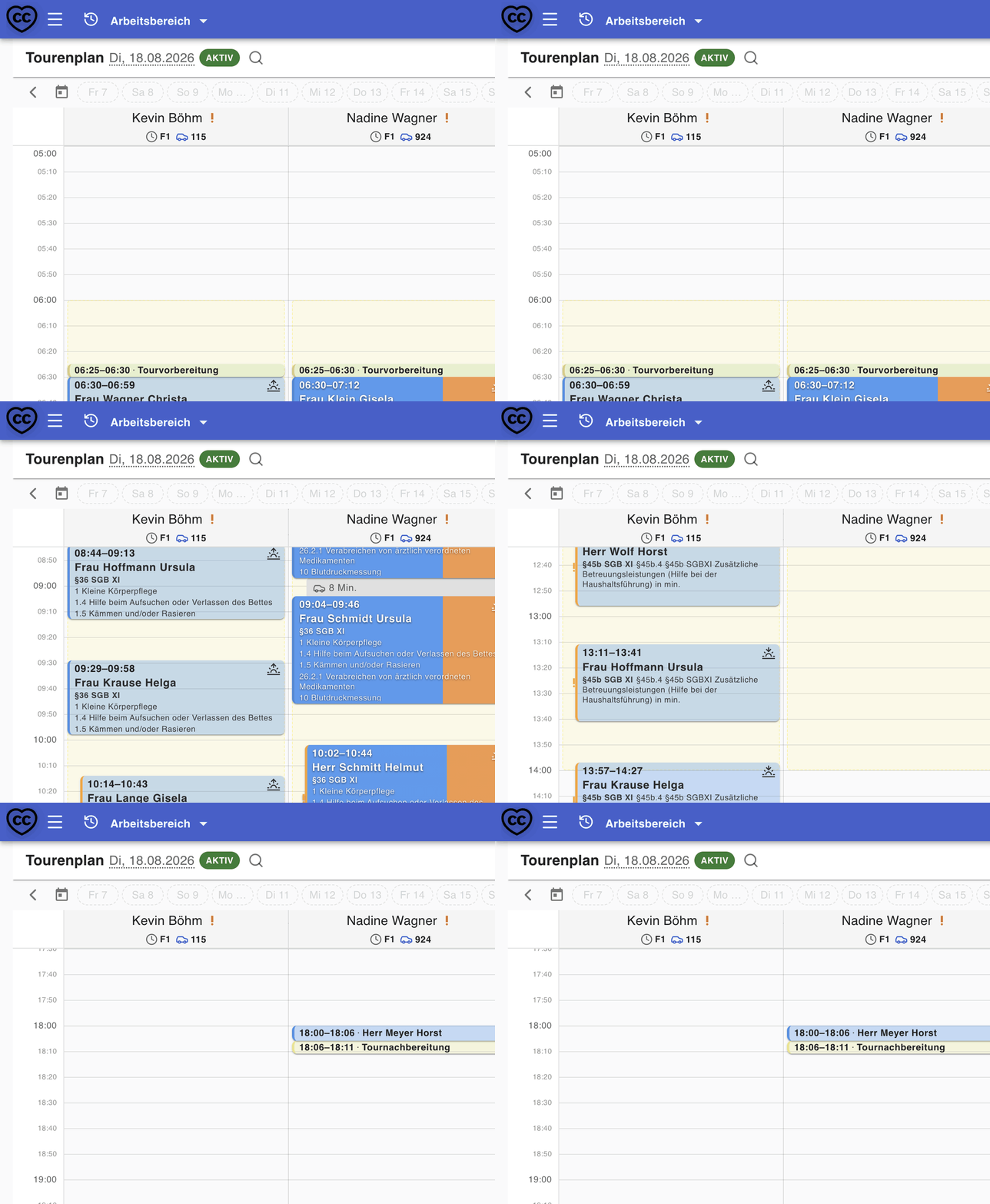
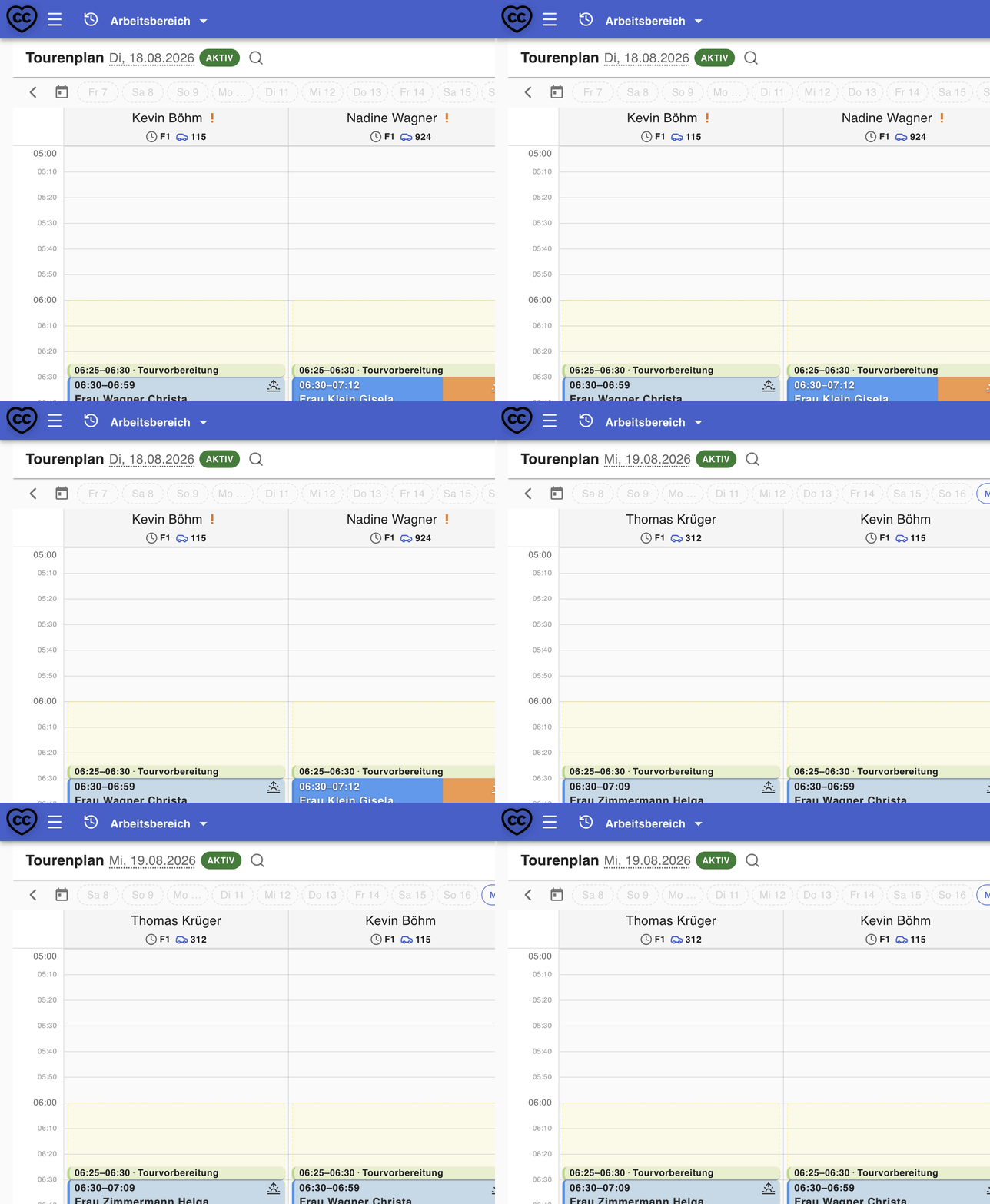
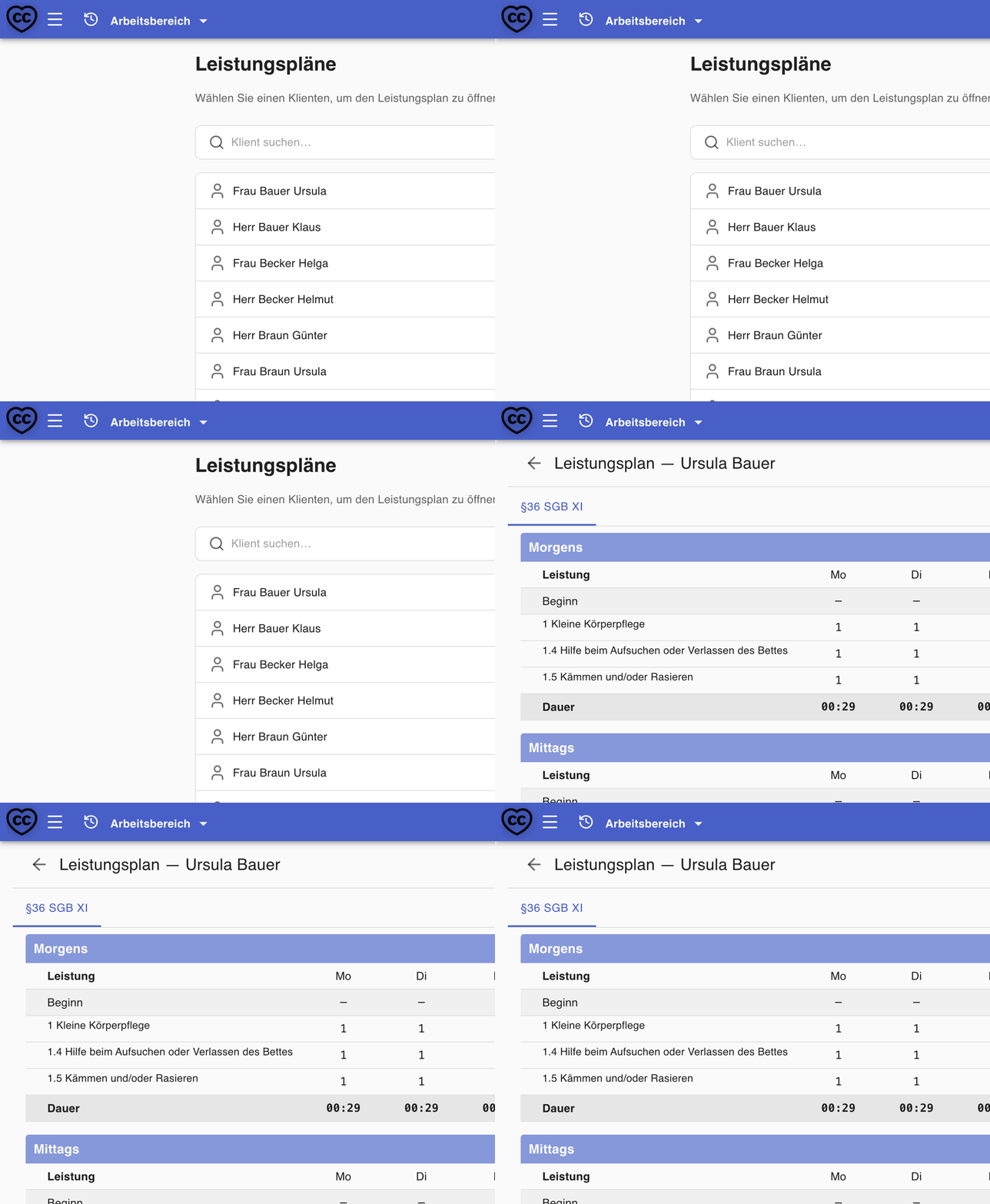
Every module below reuses the same security, records, and workflow engine as the rest of Toza.
Cost estimates, month-end billing, and invoices. Electronic billing (DTA under §105 SGB XI / §302 SGB V): in development, ITSG certification planned (target: early 2027), no surcharge once available. KIM submission through a TI gateway partner: in preparation. DATEV-Export for payroll closes out the month.
Toza is the workspace itself: sign-in, roles, lists, documents, mail, calendar, files, workflows, and audit. You can run that without APMS. Care adds ambulatory-care operations. ITSM adds Mira Desk: an internal service queue.
Connect the tools your organization already uses. Teams work in one environment instead of jumping between Outlook, a separate calendar, and disconnected drives.
Inbox and compose in the workspace via Microsoft 365 / Outlook (Microsoft Graph), or via SMTP and IMAP.
Workspace calendars with optional Outlook sync over Microsoft Graph: the same connection used for mail, or separate credentials if you need them.
Browse, preview, upload, and attach documents from OneDrive or SharePoint, Google Drive, or an Amazon S3 bucket: without leaving the workspace.
One platform core provides security, workflows, and metadata. Those capabilities apply in every installed app. Each organization works in its own isolated environment.
Installable apps
Ambulatory care
Operational analytics
Internal service desk
Fleet, HR, and more
Toza Platform core
Tenant isolation: dedicated database per organization
Customer environment: your workspace
Select a core service to see how it applies across apps.
The workspace is already the platform. Install the apps your organization needs: without replacing Toza.
Core vertical
Installed / ActiveAmbulatory care operations: clients, tours, roster. Electronic billing (DTA under §105 SGB XI / §302 SGB V): in development, ITSG certification planned (target: early 2027), no surcharge once available.
Inherits core security and audit logs
Operational analytics
Available to licenseKPIs and dashboards on workspace data: analytics without leaving Toza.
Inherits core security and audit logs
Service desk
Available to licenseIncidents and requests in one workspace queue: assignment, response times, SLA calendars. Problem management comes later.
Inherits core security and audit logs
Workforce management
In developmentBroader workforce processes on the same workspace. The duty roster synced from APMS tour planning is available today; a separate HR app is in development.
Inherits core security and audit logs
Governance
Coming soonPolicy, evidence, and review workflows that reuse the platform audit model.
Inherits core security and audit logs
Platform is the host alone. Care and ITSM add one domain app on the same isolated workspace: the platform is included, not a second invoice. Care also has Care+ and Care Expert.
List prices are per organization workspace, not per seat or per client.
An SLA is a written promise about how quickly we help when something is wrong: for example, if nobody can open the workspace on a weekday morning. It is not extra software.
Prices are net EUR. German invoices add 19% VAT. This is a request, not checkout.
Four actions: try the shared practice instance, pick a bundle, request your instance, then open it after we record payment.
01
Shared practice instance with sample clients. No card. Do not put real people in it.
02
Choose the offer that suits your organization. We set up the bundle you request.
03
We store the request and reply the same business day. Then we send how to pay.
04
After payment we create your-org.toza-platform.com and send the first admin invite. First sign-in: MFA, company, then your bundle.
Security is a platform service, not a per-app add-on. These are capabilities in the product today.
Ratings and reviews from our Google Business Profile. We only show this section when real reviews are live.
A working reference for what ships today, grouped by platform and app. It mirrors the documentation we keep for the product itself, so it changes when the product does.
Platform core
The same services back every workspace, whether or not you install an app: tenancy, sign-in and access control, no-code tables and forms, files, mail and calendar, automation, and security operations.
APMS
Ambulatory care operations for German outpatient nursing services: clients, service plans, tours, medication, billing, care documentation, and HR. Electronic billing (DTA under §105 SGB XI / §302 SGB V): in development, ITSG certification planned (target: early 2027), no surcharge once available.
Insight
KPIs and dashboards on workspace data, without leaving Toza: indicator definitions, breakdowns, scheduled collection, and dashboards fed automatically by APMS when it is installed.
Mira Desk
One workspace queue for incidents and requests: assignment rules, response and resolution SLA definitions, SLA calendars, and the same roles and audit trail as every other app.
Updates from the Toza team: also shown on workspace login screens.
Short answers drawn from what this site, the terms, and the DPA already say.
For billing you need your own institutional identifier (IK). TI/KIM connectivity will come later through a TI gateway partner (in preparation); third-party networks such as KIM/TI depend on your contracts and configuration.
Electronic billing (DTA under §105 SGB XI / §302 SGB V) is in development. ITSG certification is planned (target: early 2027), with no surcharge once available.
We discuss data takeover and onboarding in the demo appointment.
We align onboarding and training to your team in the demo appointment.
Hosting is provided by an EU processor named in the privacy notice and the DPA.
Yes. The Art. 28 GDPR processor agreement is available here: DPA
Per the terms: the subscription renews tacitly for the same billing period unless a party cancels with 30 days’ notice to the end of that period. Cancellation requests can be made via the signed-in marketing account or by email to support@toza-platform.com; they do not delete the instance by themselves.
We store the request and reply the same business day. Payment and your instance come after that: this form is not checkout.